

How Polystrat Works
Instead of committing everything to one side, Polystrat structures your entry across multiple outcomes, reducing dependency on a single result. On crypto markets, Statistical Models are applied to suggest the most likely outcomes and guide smarter positioning.1
Find your market
Go to Polymarket and open any prediction market.
Once the page loads, Polystrat’s modal will appear in the top-right corner.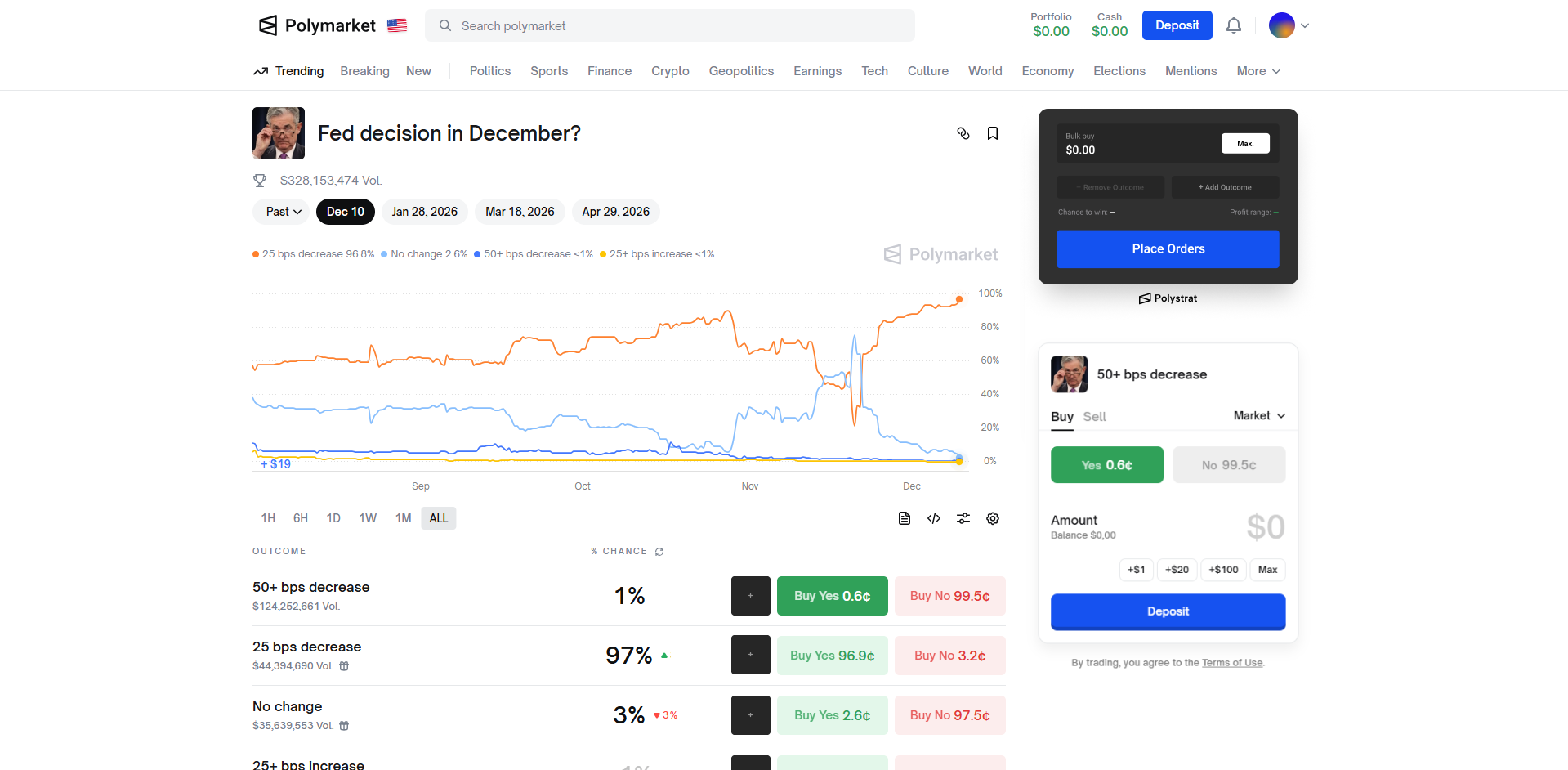
Once the page loads, Polystrat’s modal will appear in the top-right corner.
Can’t see it? Make sure the extension is installed and you’ve completed the Quickstart setup.
2
Set your total buy amount
Enter the total amount you want to allocate in the
Polystrat will handle the distribution automatically.
“Bulk buy” field.Polystrat will handle the distribution automatically.
3
Adding outcomes
Click 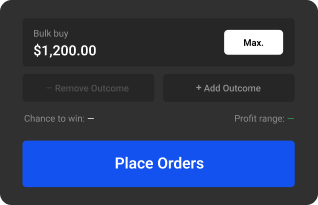
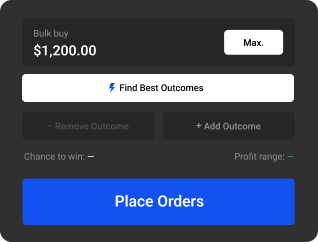
“+ Add outcome” in the top-right of the modal, or use the “+” icon next to an outcome’s probability.Add as many outcomes as needed to increase coverage and improve your odds.
"Find best outcomes" to get model-based outcome suggestions.4
Review your allocation
Review how your capital is distributed, including probabilities and exposure per outcome, before committing.
5
Place orders
Click
Polystrat will submit all orders on Polymarket and execute the split automatically across the selected outcomes.
“Place orders” to confirm your entry.Polystrat will submit all orders on Polymarket and execute the split automatically across the selected outcomes.
6
Monitor your position
Click
You can quickly see where you’re winning, losing, or balanced.
“Manage positions” to track how each outcome evolves as the market moves.You can quickly see where you’re winning, losing, or balanced.